

HR workflow automation uses software to move routine HR tasks, such as onboarding, leave approvals, document collection and employee record updates, through predefined steps with less manual effort. It works best on frequent, rule-based processes, with people still handling exceptions, sensitive cases and decisions that affect employees.
It can reduce manual effort, improve consistency and help HR teams respond faster. But automating a process does not automatically make it better. An onboarding workflow might send welcome emails and trigger access requests automatically, yet HR may still spend hours correcting employee information, following up on missing documents and resolving approval delays.
The real value of HR workflow automation comes from improving the entire process, not simply automating individual tasks. Businesses need to consider where automation is useful, where it can introduce risk and how to keep human judgement involved in decisions that affect employees.
This guide explains practical HR automation use cases, common workflow failures, the differences between HRIS, HRMS, RPA and AI, and how businesses can evaluate their automation efforts.
What Is HR Workflow Automation?
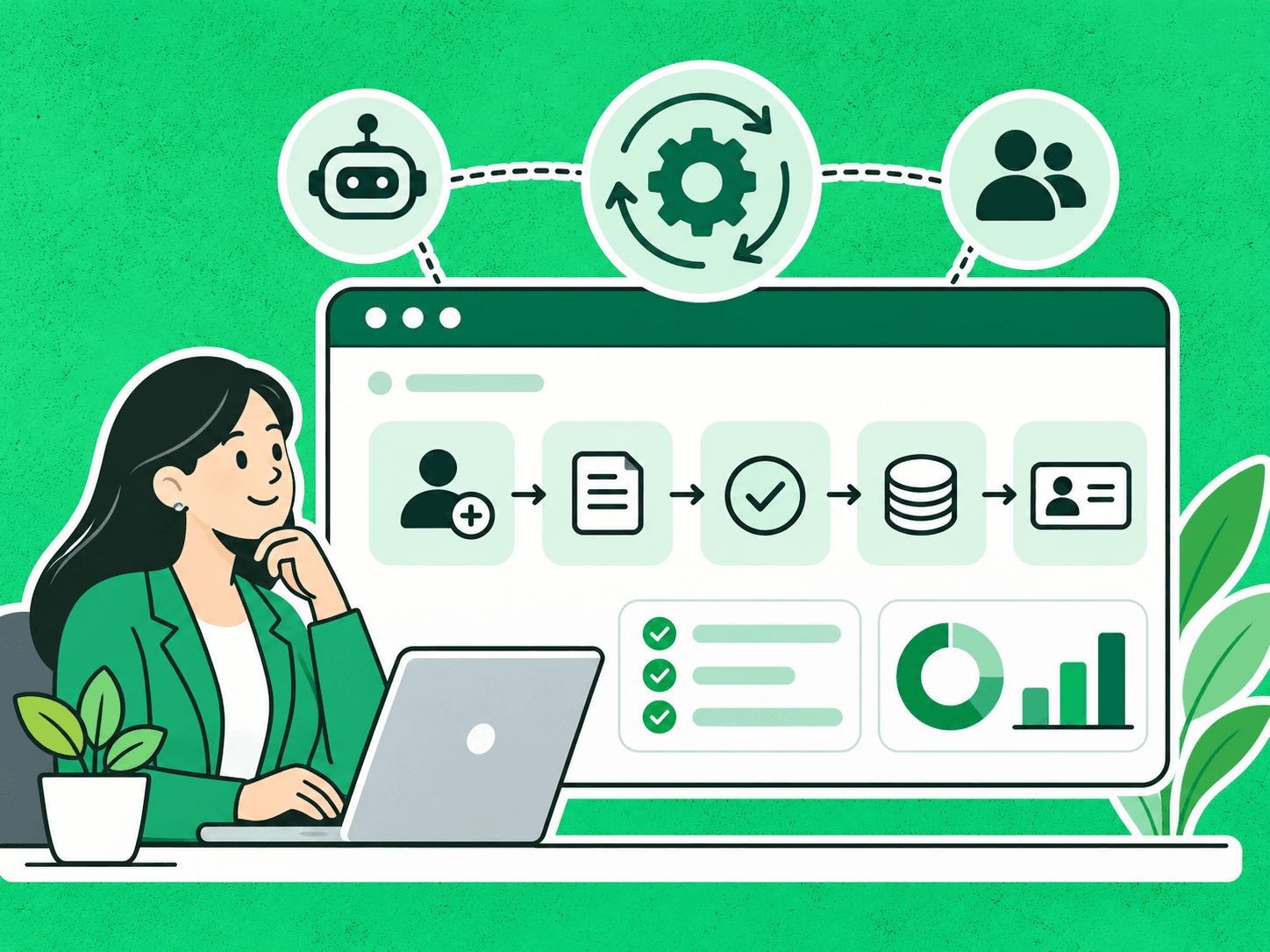
HR workflow automation is the use of software to move HR tasks, information, notifications and approvals through predefined processes with less manual intervention.
Instead of relying on employees to remember every step, automation triggers actions when specific conditions are met.
For example, an employee onboarding workflow might follow this sequence:
Offer accepted → Employee details collected → Documents requested → HR records updated → Access requests sent → Onboarding checklist completed
Some steps can run automatically. Others may require confirmation or approval from HR, IT, payroll or the employee’s manager.
HR workflow automation can operate within an existing HR platform or connect several systems. It does not necessarily require artificial intelligence. Many predictable tasks can be handled through simple rules and integrations.
Which HR Workflows Can Businesses Automate?
HR teams handle many repetitive activities that follow established processes.
The most suitable automation opportunities usually involve frequent tasks, clear rules and measurable outcomes.
| HR workflow | What can be automated | Where human review matters |
| Employee onboarding | Document requests, reminders, checklists, access requests | Missing information, exceptions, sensitive decisions |
| Leave management | Request routing, balance updates, notifications | Policy exceptions and disputes |
| Payroll administration | Data transfers, reminders, routine validation checks | Discrepancies, corrections, final approval |
| Recruitment administration | Interview scheduling, status updates, record management | Candidate assessment and hiring decisions |
| Employee records | Routine updates, document reminders, data synchronisation | Sensitive changes and data corrections |
| Offboarding | Checklists, equipment-return reminders, access-removal requests | Disputes, special circumstances, final verification |
Recruitment needs particular care, because screening tools can filter out qualified applicants. We cover this in AI resume screening: why good candidates get overlooked.
Example: Automating Employee Onboarding
Consider a company that manages onboarding through emails, spreadsheets and separate HR systems.
Onboarding is worth getting right: Gallup found that only 12% of employees strongly agree their organisation does a great job of onboarding new employees.
Before automation, HR might manually request documents, update employee records, notify IT and follow up with managers.
A connected workflow can trigger these activities when a new employee record is created.
However, if the employee submits incorrect information or an access request fails, someone still needs to resolve the issue.
This illustrates an important distinction: automation can reduce routine coordination, but it cannot eliminate every exception.
The best workflow makes exceptions visible and assigns responsibility for resolving them.
HRIS vs. HRMS vs. RPA vs. AI Automation: What’s the Difference?
HR workflow automation can involve several technologies, each serving a different purpose.
HRIS: Human Resource Information System
An HRIS primarily manages employee information and related HR processes.
It may support employee records, leave management, reporting and other administrative activities.
HRMS: Human Resource Management System
An HRMS typically provides broader HR management capabilities, potentially including payroll, recruitment, onboarding and workforce administration.
The distinction between HRIS and HRMS is not universal. Software vendors often use these terms differently, and their features can overlap.
RPA: Robotic Process Automation
Gartner defines RPA as software that automates tasks within business and IT processes using software scripts that emulate human interaction with the application UI. RPA uses software bots to perform repetitive actions according to predefined rules.
A common case: an RPA bot might transfer employee information between two systems that lack a direct integration.
RPA is generally most suitable when the process is predictable and the information is structured.
AI Automation
AI automation can help interpret information, categorise requests, extract information from documents or prepare responses.
For example, AI might classify employee enquiries and direct them to the appropriate HR team.
However, AI-generated outputs can be incorrect and require appropriate validation.
| Technology | Main purpose | Example HR application |
| HRIS | Manage employee information | Employee records and leave data |
| HRMS | Support broader HR operations | Onboarding and payroll administration |
| RPA | Automate rule-based actions | Transferring data between applications |
| AI automation | Interpret variable information and support workflows | Classifying HR enquiries |
These technologies can work together. Businesses do not necessarily need to replace their existing HR systems to improve workflow automation.
Why Does HR Automation Sometimes Create More Work?
HR automation is intended to reduce repetitive activities. However, when businesses automate isolated steps without understanding the complete process, work can shift into corrections, exceptions and follow-ups.
This is particularly common when several departments or applications participate in the same workflow.
1. Individual Tasks Are Automated, but Handoffs Remain Manual
An onboarding system might automatically request documents while HR still manually checks whether the information has reached payroll or IT.
Each automated task may work correctly, but the overall process still requires coordination.
What helps: Map the full workflow, including the points where information moves between people, departments and systems.
2. RPA Is Used for Processes That Require Judgement
RPA can be useful for routine data transfers and validation checks.
Problems can arise when rule-based automation encounters situations it was not designed to handle. An incomplete employee record, for instance, may require clarification rather than automatic processing.
What helps: Use RPA for predictable activities and route unusual cases to an appropriate employee.
3. HR Systems Become Difficult to Maintain
HR platforms may support many activities, but additional modules and integrations can increase configuration and maintenance requirements.
A change in one system may affect workflows connected to several others.
Often the software is adequate and the overall process has simply become too complicated.
What helps: Review dependencies, remove redundant steps and document how connected workflows operate.
4. Employee Data Is Incorrect or Outdated
Employee information changes frequently. People change roles, managers, locations, contracts and personal details.
If connected systems are not updated consistently, automated workflows may use outdated information. An incorrect manager assignment, for example, could send an approval request to the wrong person.
What helps: Define who owns each important data field, how changes are approved and how information is synchronised across systems.
5. Exceptions Are Not Properly Managed
Automation is often designed around the normal process.
But HR frequently deals with exceptions, including missing documents, unusual employment arrangements and requests that do not fit standard rules.
If these situations are not anticipated, automation can create additional follow-up work.
What helps: Define exception-handling procedures, escalation paths and clear ownership.
Which HR Decisions Should Stay Human?
Not every HR activity should be fully automated.
Automation is generally more appropriate for routine administrative actions than for decisions requiring judgement about an individual’s circumstances.
| HR activity | Suitable for automation | Human responsibility |
| Onboarding | Reminders, document collection, checklist tracking | Resolving exceptions and approving sensitive changes |
| Leave management | Routing requests and updating records | Reviewing disputes and unusual requests |
| Payroll | Routine data checks and calculations | Resolving discrepancies and authorising corrections |
| Recruitment | Scheduling and administrative communication | Assessing candidates and making hiring decisions |
| Employee enquiries | Categorising requests and providing approved information | Handling sensitive or complex situations |
| Offboarding | Triggering checklists and access-removal tasks | Reviewing exceptional circumstances and final completion |
Regulators are moving in the same direction. New York City’s Local Law 144 bars employers from using automated employment decision tools unless the tool has had a bias audit within the past year, the results are published and candidates are notified. In the EU, the AI Act classifies AI systems used for recruitment, promotion and termination decisions, task allocation and performance monitoring as high-risk, which brings requirements including human oversight; obligations for these systems are due to apply from 2 December 2027.
Human oversight does not mean employees must manually repeat every automated task.
It means maintaining accountability for decisions that require context, interpretation or careful evaluation.
Why Speed Alone Is Not Enough to Measure HR Automation Success
Faster workflows can improve HR operations, but speed should not be the only performance indicator.
Consider an onboarding process that previously took five days and now takes two. That improvement may be valuable.
But if the faster process creates more incorrect records, missed access requests or manual corrections, the overall benefit may be smaller than expected. HR teams should measure efficiency alongside accuracy, reliability and employee experience.
HR Automation KPIs Worth Tracking
Track key performance indicators (KPIs) that cover quality as well as speed:
| KPI | What it measures | Why it matters |
| Onboarding completion time | Time required to complete onboarding | Measures processing efficiency |
| Workflow error rate | Frequency of incorrect outcomes | Indicates process reliability |
| Manual correction rate | Number of cases requiring rework | Reveals hidden administrative effort |
| Exception resolution time | Time required to resolve unusual cases | Shows how well the workflow handles problems |
| Payroll correction rate | Frequency of payroll-related corrections | Helps assess payroll process accuracy |
| Employee satisfaction | Feedback on HR interactions | Reflects employee experience |
| HR time per process | Employee effort required to complete a workflow | Helps evaluate operational efficiency |
Payroll corrections add up quickly. A 2022 EY survey of 508 US payroll professionals found that one in five payrolls contains errors, and each error costs an average of $291 to fix.
The most useful KPIs depend on the purpose of the workflow. A document-collection workflow, for instance, may prioritise completion rates and correction effort, while a leave-approval workflow may prioritise turnaround time and exception handling.
How Does HR Automation Affect Employee Experience?
Employees experience HR processes through everyday interactions.
They notice when onboarding is delayed, leave requests remain unanswered, payroll information is incorrect or an access request gets lost.
Automation can improve these experiences by making routine processes more consistent and reducing unnecessary delays.
However, it can also create frustration when employees receive irrelevant notifications, cannot correct information or struggle to reach a person who can resolve their problem.
A well-designed workflow should make it clear:
• What the employee needs to do
• What happens next
• Who is responsible for the next step
• How to report incorrect information
• Where to get help when the normal process fails
Employee experience should therefore be part of HR automation design, not just a consideration after implementation.
What Makes HR Workflow Automation More Complex Across Countries?
Organisations operating in multiple countries may face additional challenges when automating HR processes.
Employment requirements, payroll practices, notice periods, leave entitlements and record-retention obligations can vary by jurisdiction. A workflow designed for one location may therefore need adjustments before being used elsewhere.
For example, an automated employee-data process may need to account for applicable privacy requirements, including the EU’s General Data Protection Regulation (GDPR) when relevant. Official information about GDPR is available from the European Commission.
In India, the Digital Personal Data Protection Rules, 2025 require consent notices that are clear, easy to understand and explain the specific purpose for which personal data is used.
Data-protection rules do not replace local employment-law requirements, and compliance obligations should be assessed for each relevant jurisdiction.
How Can Businesses Reduce Cross-Border Automation Risks?
Businesses operating internationally should consider:
• Local policy and regulatory requirements
• Country-specific approval rules
• Data access and retention requirements
• Payroll and employment differences
• Human review for exceptional situations
• Periodic reviews when requirements change
The objective is to maintain a consistent process where possible without assuming that every location follows identical rules.
For legally sensitive workflows, appropriate HR, privacy and legal expertise should be involved in the design and review.
How to Audit an HR Workflow Before Automating It
Before investing in additional HR automation tools, businesses should examine how their existing processes operate. A practical audit can be completed in six steps.
Step 1: Map the Entire Workflow
Document the process from beginning to end. Identify each task, responsible person, system, approval and handoff.
For example, onboarding may involve HR, IT, payroll, the hiring manager and the employee.
Step 2: Identify Repetitive Tasks and Exceptions
Separate predictable activities from tasks that require judgement.
Document common exceptions, including missing information, failed integrations and unusual requests.
Step 3: Review Data Quality
Check whether the information required for automation is accurate and available. Identify the systems responsible for storing and updating important records.
Step 4: Decide What to Automate
Choose the simplest reliable technology for each activity. Some steps may only require rules or integrations. Others may benefit from RPA or AI.
Define where human approval or review is necessary.
Step 5: Test Normal and Exceptional Cases
Test the workflow using typical situations as well as incomplete records, incorrect information and failed system actions.
Confirm that errors are visible and assigned to the appropriate person.
Step 6: Measure Results and Improve
Record baseline performance before implementing changes.
After implementation, compare processing time, errors, corrections, employee feedback and ongoing costs. Expand automation only when the results justify doing so.
An audit shows which changes will improve the overall process, so you automate the steps that matter rather than every step.
How Can Businesses Calculate HR Automation ROI?
HR automation return on investment depends on the value generated compared with implementation and operating costs.
Potential benefits include reduced manual effort, fewer corrections, faster processing and better use of employee time.
Example: Estimating Time Saved
Consider a hypothetical company processing 200 routine HR requests each month.
Before automation, each request requires 10 minutes of administrative handling. After automation, the average manual handling time falls to four minutes.
| Metric | Before | After |
| Monthly HR requests | 200 | 200 |
| Manual handling time per request | 10 minutes | 4 minutes |
| Total monthly manual time | 33.3 hours | 13.3 hours |
| Monthly time saved | – | 20 hours |
Illustrative example: these figures are not actual customer results.
The workflow potentially frees 20 hours of employee time per month.
However, those hours do not automatically translate into equivalent financial savings.
A realistic assessment should consider software costs, implementation, integration, time to teach staff the new process, monitoring, maintenance and correction effort.
Businesses should use measurable financial benefits rather than assuming that every hour saved directly reduces expenses.
How Falcon Reality Approaches Workflow Automation
At Falcon Reality, our approach to AI and workflow automation begins with understanding the existing business process.
Before recommending automation, we ask:
• Which tasks are repetitive?
• Where do delays and errors occur?
• Which systems need to exchange information?
• Which activities require human judgement?
• How will success be measured?
Not every process requires artificial intelligence. Routine notifications, approvals and structured data transfers may be suitable for traditional automation. Processes involving variable information, document interpretation or complex enquiries may benefit from AI-assisted workflows.
The same principle applies outside HR. For CareUp, we replaced a demo onboarding process that depended on email threads with a two-step form that creates demo accounts on submission, sends follow-ups automatically and tracks every lead in one CRM.
The objective is to design automation around how the business actually operates, rather than introducing additional technology without a clear purpose.
Conclusion: Better HR Automation Starts With Better Workflow Design
HR workflow automation can reduce repetitive work, improve consistency and make routine HR processes easier to manage.
But automation does not automatically eliminate every problem.
When processes are poorly designed, work can shift into corrections, exceptions and follow-ups. When employee information is unreliable, automation can spread errors across connected systems.
Adding more tools is rarely the fix. Understand the complete workflow, automate predictable activities, maintain appropriate human oversight and measure whether the process is actually improving.
Effective HR workflow automation is not about removing people from every process. It is about reducing unnecessary administrative work so HR teams can focus on the people and decisions that need their attention.
Looking to improve your HR workflows? If your HR team spends too much time on manual follow-ups, repetitive data entry or disconnected systems, the first step is identifying where automation can provide measurable value. Explore Falcon Reality’s workflow automation services or book a consultation to discuss your processes.